项目pom.xml中引入下面包
<dependency>
  <groupId>org.springframework.boot</groupId>
   <artifactId>spring-boot-starter-security</artifactId>
 </dependency>
增加如下配置逻辑
package  com.common.config.swaggerConfig;


import  com.common.util.DateUtils;
import  org.springframework.context.annotation.Configuration;
import  org.springframework.security.config.annotation.authentication.builders.AuthenticationManagerBuilder;
import  org.springframework.security.config.annotation.web.builders.HttpSecurity;
import  org.springframework.security.config.annotation.web.configuration.EnableWebSecurity;
import  org.springframework.security.config.annotation.web.configuration.WebSecurityConfigurerAdapter;

import  java.util.Date;

 @Configuration
 @EnableWebSecurity
 public class  SecurityConfig extends  WebSecurityConfigurerAdapter {

 @Override
  protected void  configure(HttpSecurity http)  throws  Exception {
  http
 .authorizeRequests()
  //  保护Swagger相关端点
  .antMatchers("/swagger-ui.html", "/v2/api-docs", "/swagger-resources/**", "/webjars/**","/doc.html").authenticated()
  //  其他请求允许匿名访问
  .anyRequest().permitAll()
  .and()
  //  启用表单登录
  .formLogin()
  .and().csrf()
  .disable();
 }

 @Override
  protected void  configure(AuthenticationManagerBuilder auth)  throws  Exception {
  //  配置登录用户(用户名:admin,  密码:password)
  auth.inMemoryAuthentication()
  .withUser("admin")
  .password("{noop}123456")  // {noop}表示不使用密码加密
  .roles("USER");
 }
 }
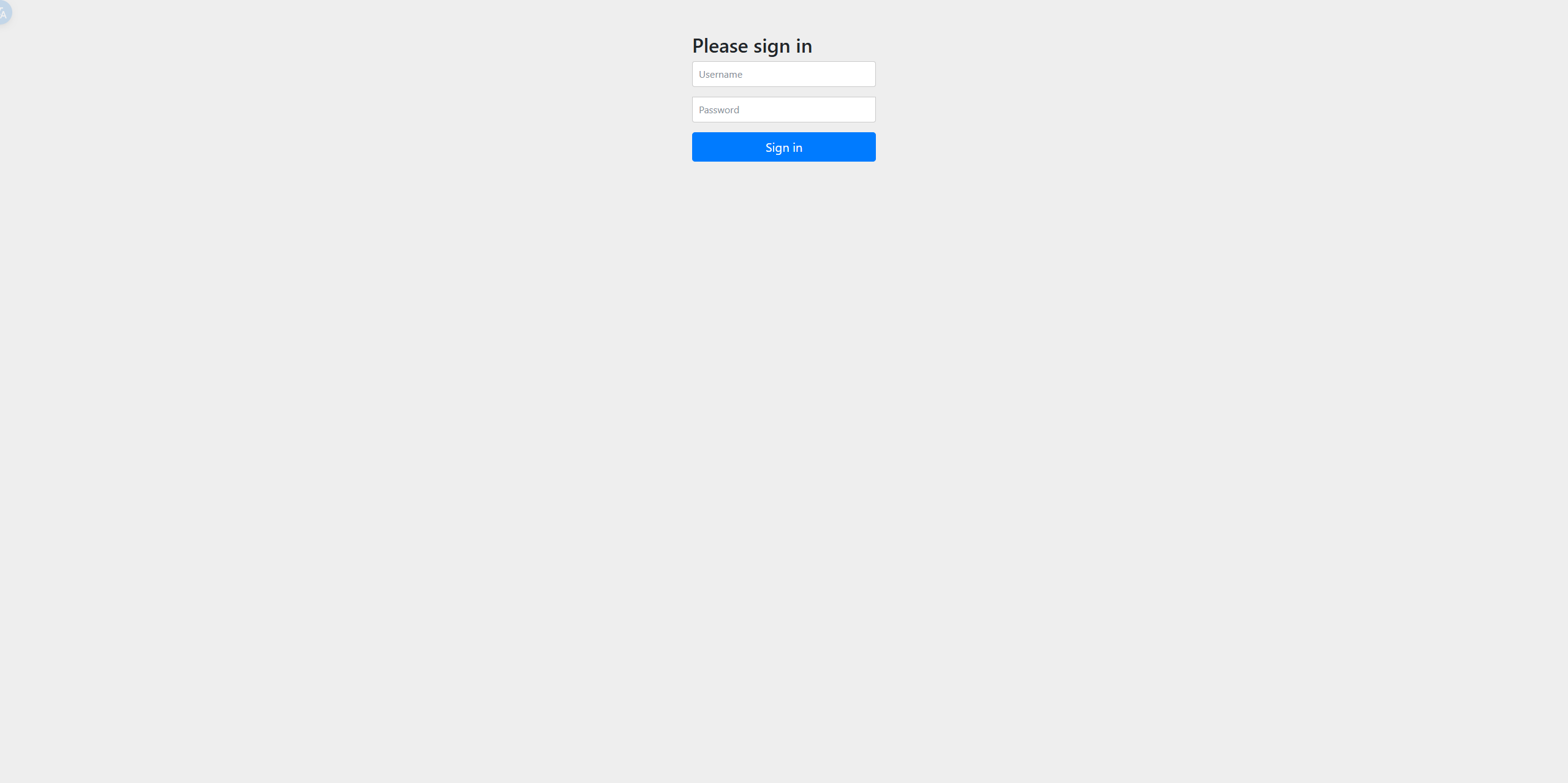
增加之后的访问效果